
Wallpaper Engine Audio Visualizer Not Working?
If your wallpaper does not react to music, check its audio-response setting and the device Wallpaper Engine is listening to. Hearing the music does not mean the wallpaper is listening to the same output.
Reviewed and updated September 2026
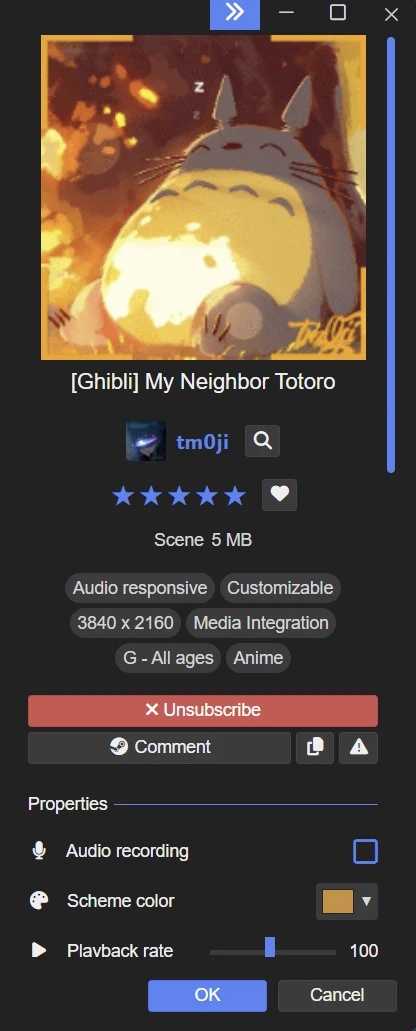
Check that the wallpaper supports audio response
Look for Audio responsive and check the controls on the right. If the wallpaper has an Audio recording checkbox, turn it on. Creators choose their own controls, so this checkbox is not present on every wallpaper.
Play a track and try a second audio-responsive wallpaper. If only one reacts, focus on the first wallpaper’s own settings.
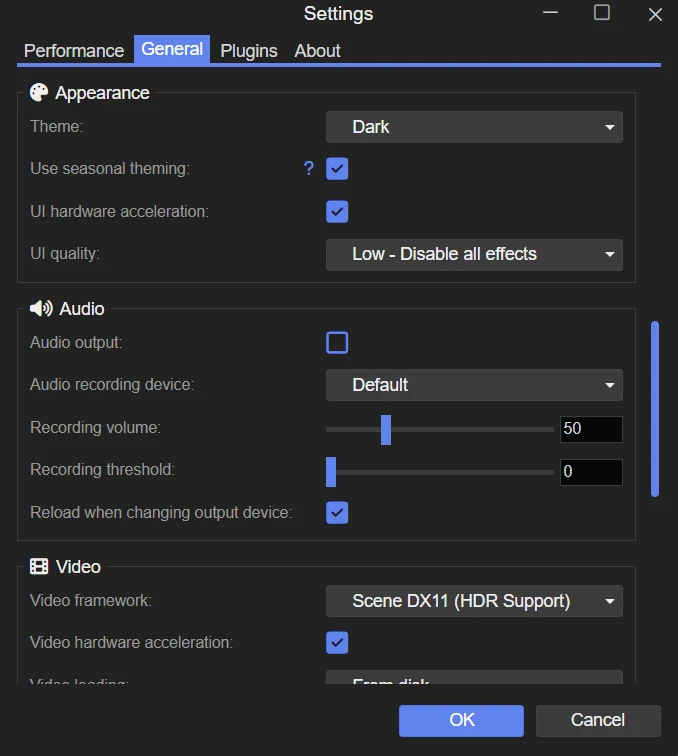
Choose the sound device Wallpaper Engine listens to
- Play music through the speakers or headphones you normally use.
- Select that device in Audio recording device.
- If you cannot identify it from the names, try the available devices one at a time while the music plays.
Check the Windows volume mixer
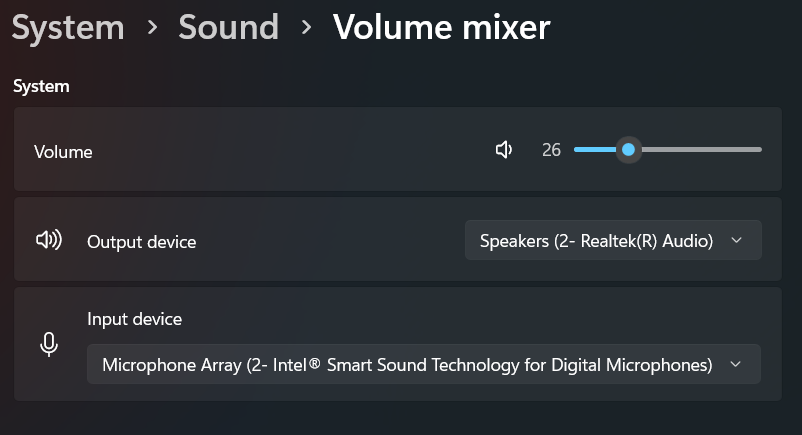
- Keep your music playing, then find Wallpaper Engine and the music app in the mixer.
- Make sure neither is muted or set very low. Wallpaper Engine’s Windows volume also affects audio detection.
- If the animation reacts only weakly, increase Recording volume in Wallpaper Engine’s General settings. This boosts detection without requiring louder speakers.
If it stopped working after changing headphones
Recheck Audio recording device after switching between speakers, USB headphones or Bluetooth headphones. The selected device must be the one carrying your music.
For USB or Bluetooth headset problems that remain, the developer documents changing the device’s sample rate to 44,100 Hz. This is the audio format setting in Windows, not the volume. Follow the device instructions below and keep the original value so you can restore it.
If no audio-responsive wallpaper works
Audio utilities such as Nahimic or Sonic Suite can block the PC-audio recording that visualizers use. If the device and mixer settings are correct, use Wallpaper Engine’s diagnostic tool to check for known software conflicts.